Basic Operations in Voicing AI
Make a Simple Call
- Navigate to AI Assistant and click on Create AI Assistant.
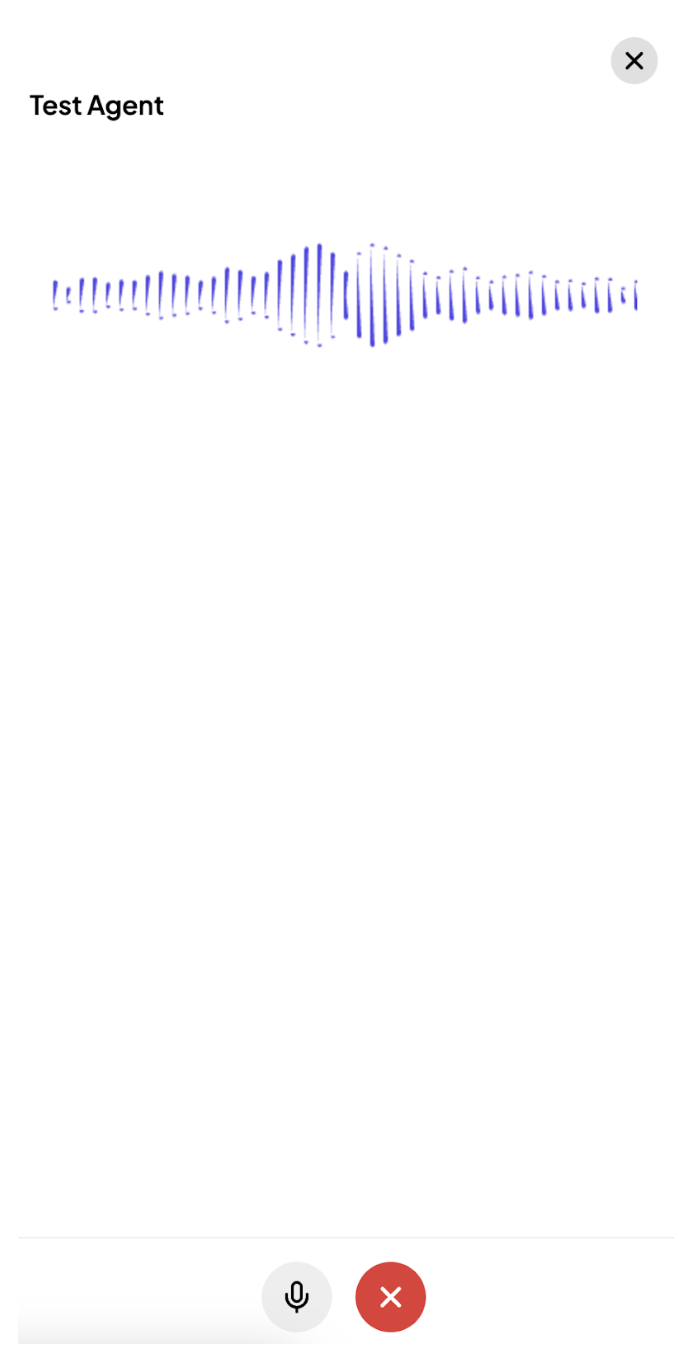
- Select Quick Assistant Setup and enter the agent and prompt details as per requirement.
- Choose a voice, customize it if needed, and click Test Agent on the right side.
Create a Pathway
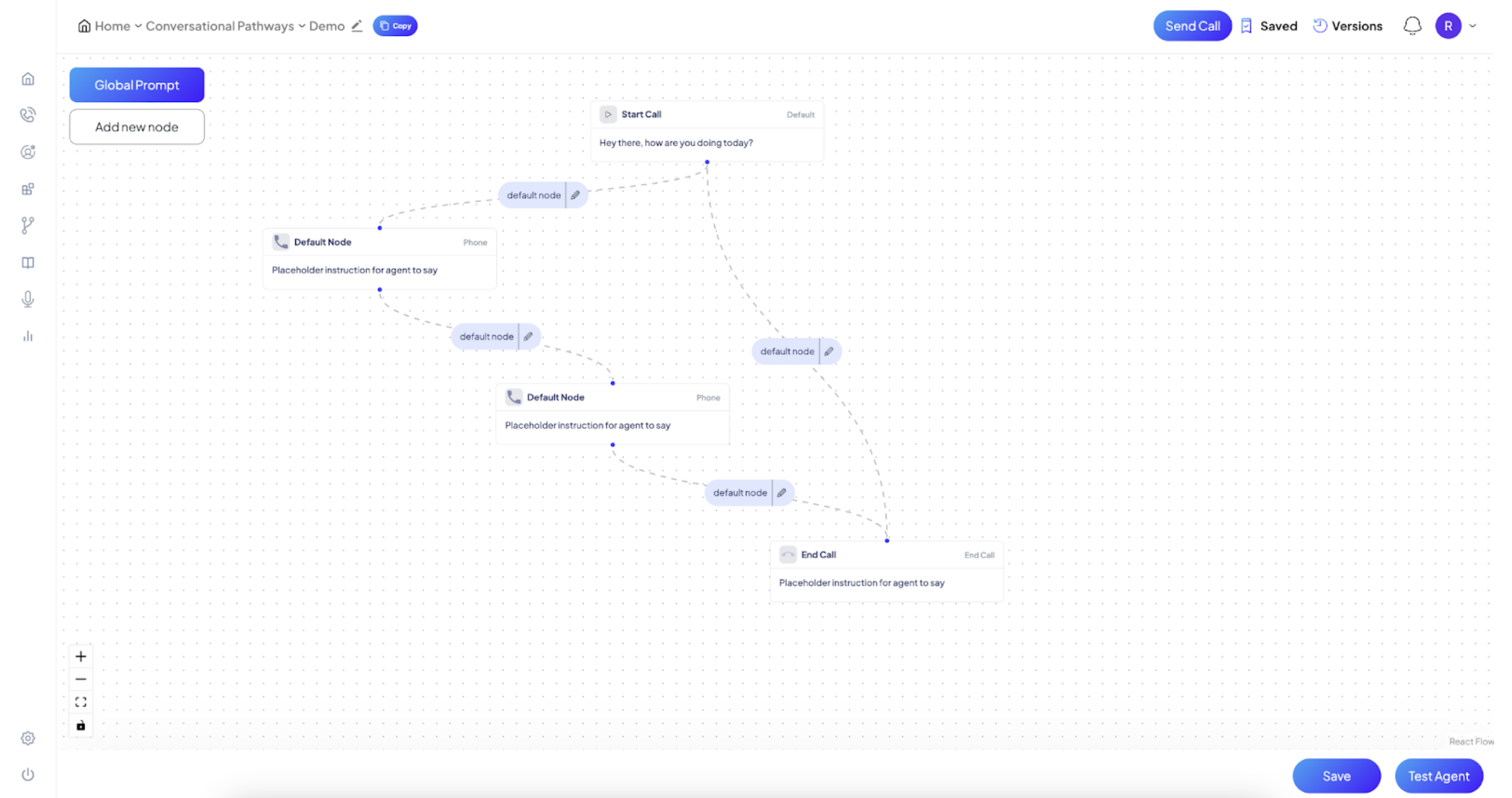
- Go to the Pathways section from the side navigation.
- Select Create Pathways to go to the conversation flow canvas.
- Customize the flow by adding steps, defining responses, and configuring decision points.
- Test the flow using the Test Agent widget at the bottom right corner.
Test and Select Voices
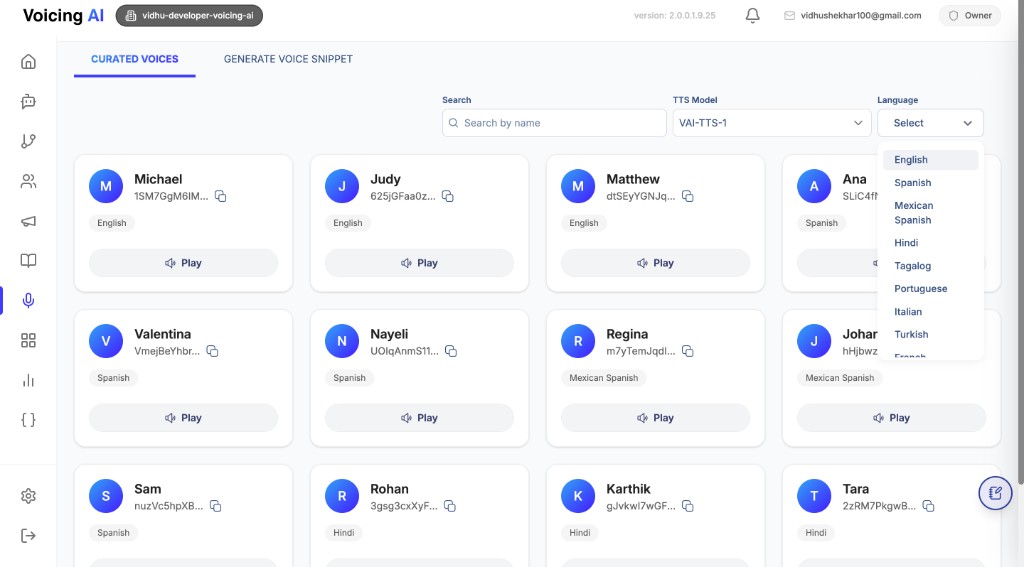
- Navigate to the Voices section to explore available options.
- Play sample phrases for each voice to assess their tone and clarity.
- Customize the Text-to-Speech (TTS) message to better align with your brand tone.
By mastering these basics, you'll be ready to unlock the full potential of Voicing AI. In subsequent modules, you'll learn advanced techniques to create dynamic conversational flows, integrate APIs, and optimize your Voice Agent for real-world scenarios.
Build your Voice Agent Now! 🚀